Choose a photo
A seaside trip, a favorite corner, or a meal you remember. Start with a clear photo and choose the language you’re learning.
YOUR WORLD, ILLUSTRATED IN WORDS
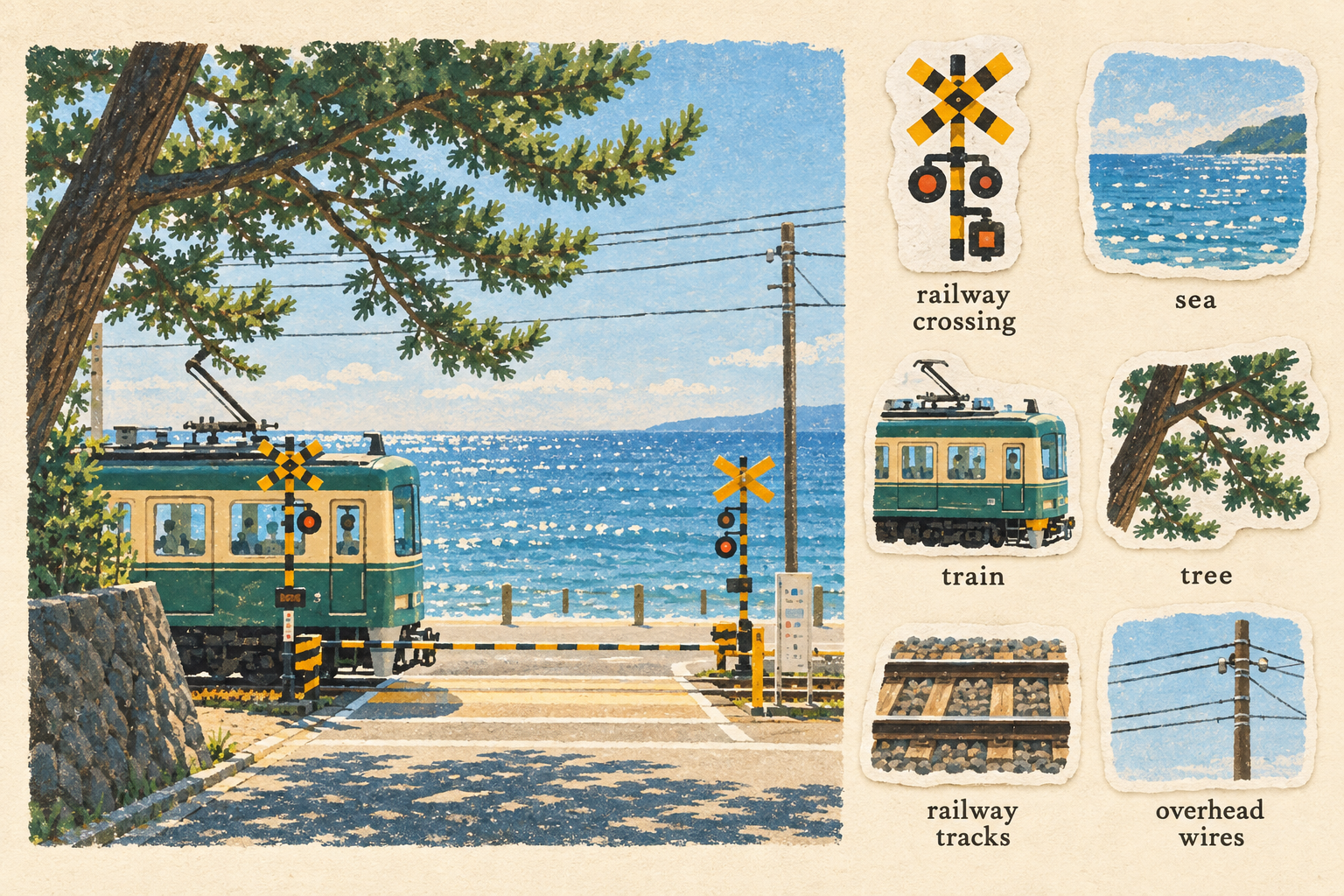
A hand-painted scene. A collection of matching stickers.
And a word beneath each one, ready to make your own.
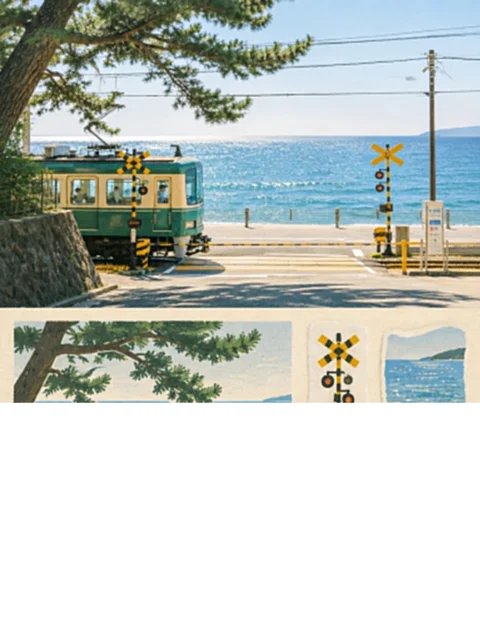
YOUR PHOTO
Or drop it above · JPG, PNG, WebP · up to 12 MB
Checking image generation…
YOUR WORD SHEET
Example made from the photo on the left. Check the word labels before using it for study.
FROM PHOTO TO PAPER
One picture becomes a little illustrated world of its own.
A seaside trip, a favorite corner, or a meal you remember. Start with a clear photo and choose the language you’re learning.
Your scene is reimagined in gouache and cut paper. Its subjects become matching stickers, with a word beneath each one.
Download your illustrated sheet. Print it, revisit it, and practice describing the moment in your new language.
MORE THAN A WORD LIST
Learning English with pictures gives a new word somewhere to live. Instead of memorizing a disconnected list, you can connect each word to an object, a place, and a moment you recognize.
Start with nouns. Then add a detail: “a warm cup of coffee.” Finally, make it yours: “I drink coffee at my desk every morning.” A simple photo can become the beginning of a whole conversation.
Keep exploring English with LangBoxA FEW THINGS TO KNOW
It transforms your photo into a single illustrated learning sheet. A large hand-painted version of the scene sits on the left. Individual subjects appear as matching paper-cut stickers on the right, with a word label beneath each sticker. AI-generated objects and labels can be wrong; check them against your photo and a reliable dictionary before studying.
The output is a new illustration in a matte gouache, cut-paper, and textured print style. The scene and stickers are redrawn together in a consistent palette. The original photo is used as the reference and is not pasted into the finished sheet.
Selecting a file previews it in your browser. When you click Generate, a resized copy is sent through LangBox’s servers to the configured image-generation provider. This tool does not save uploads or generated results on its server. The provider’s own data policies apply. Download your finished sheet before leaving the page.
Choose a clear JPG, PNG, or WebP image under 12 MB. Travel scenes, familiar rooms, meals, plants, and everyday objects are useful subjects. The tool automatically creates up to six stickers. If the photo contains fewer distinct subjects, the prompt requests fewer stickers rather than invented objects. AI can still make mistakes, so check the illustrated subjects and word labels.
Choose English, Simplified Chinese, Japanese, Spanish, French, or Korean. The selected language applies to the labels under the stickers. The provided train-by-the-sea example uses English labels.
Yes. Download the finished sheet as a PNG image to keep it, print it, or study from it. Try naming each sticker before reading its label, then use a word in a sentence about the original scene. The pre-generated example is available to preview and download. New generation is free while the shared daily allowance is available and may take 1–3 minutes. Availability and visitor/network limits can prevent a new request; the page shows the current status.
YOUR NEXT WORD IS ALREADY AROUND YOU